London-based video editor and edit assistant working across commercial, branded, documentary and social projects.
No projects match this role in this section. Choose All roles to see the full selection.
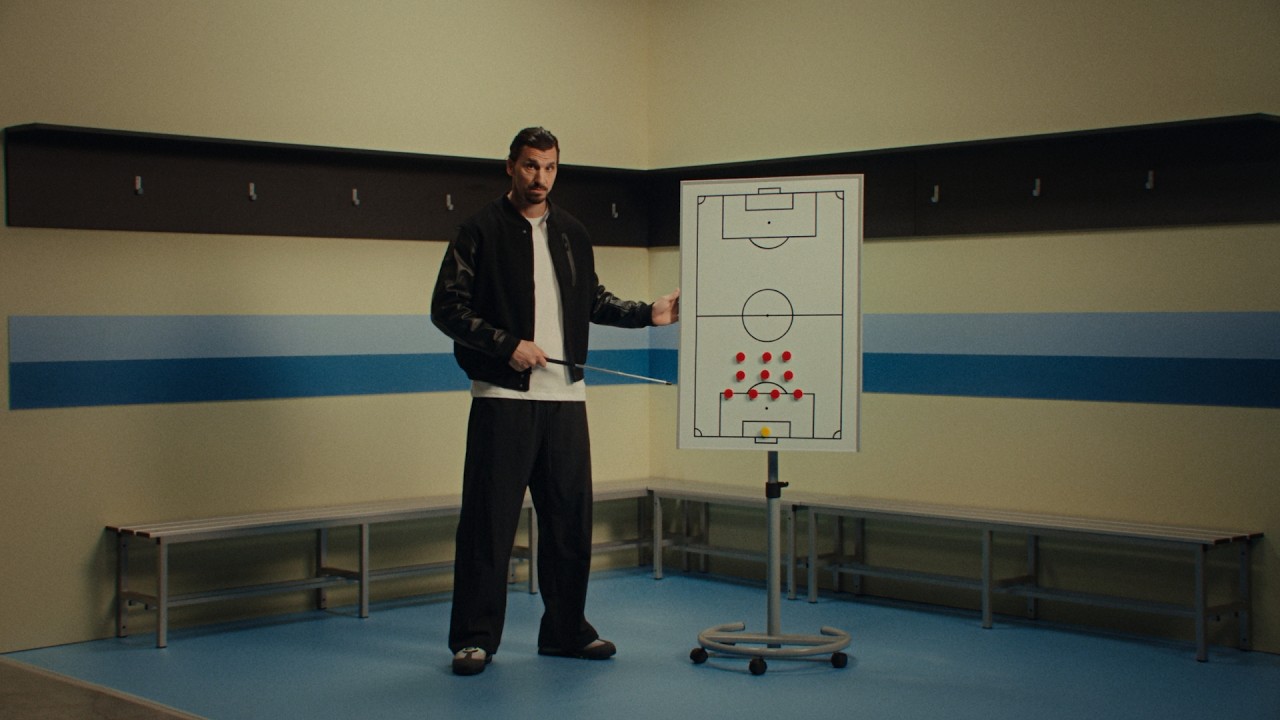
Video editor & Edit assistant.
Originally from Lanzarote and based in London, I edit commercials, branded content, documentaries and corporate films. Working across scripted and unscripted projects, I collaborate with directors to shape story, performance and pace, from first assembly through to client approval and delivery.
Alongside editing, I work as an edit assistant in commercial post. My experience includes The Quarry, Tenthree, Final Cut, Doma, Avenues and Stitch, supporting campaigns for brands including Nike, PlayStation and Adidas.
I work in Avid, Premiere, Resolve and Final Cut Pro. Technically minded, I build macOS tools and scripts to solve practical problems in the edit suite, keeping workflows organised and freeing up time for the creative work.
Available for freelance and contract editing and assisting.
macOS tools I build for my editing workflow. Click a tool to explore what it does.
Atom BrowserBrowse Avid MXF atoms as clips, preview them in IINA, and inspect multicam groups.
Read about this tool ↗
Clip InfoA live clip-information window that follows your selection in Finder.
Read about this tool ↗
RuntimeCalculate the total running time of selected clips or folders, with a timeline frame-rate picker.
Read about this tool ↗
Timecode ChangerBatch-change timecode in MOV, MP4, MXF and WAV without re-encoding. Also edit reel names in MOV/MP4 and tape names in WAV. Creates copies by default.
Read about this tool ↗
Captions to TitlesConvert captions in Final Cut Event XML into titles with matching timing, for CommandPost’s Titles to Keywords workflow. Requires Python 3.9 or newer.
Read about this tool ↗
Proxy SizeCalculate proxy dimensions at 50%, 25% and standard sizes while preserving the source aspect ratio. Copy dimensions into Shutter Encoder.
Read about this tool ↗
Video TagsAdd technical metadata and QC flags as Finder tags, which Final Cut can import as keywords.
Read about this tool ↗
TC to CommentsWrite each clip’s starting timecode into its Finder comment while preserving existing notes.
Read about this tool ↗
CommentApply a comment to selected Finder files, replacing or appending to existing comments.
Read about this tool ↗
Copy NamesCopy selected file names in natural order. Hold Option to omit file extensions.
Read about this tool ↗
ProjectsCreate project folders and templates for Avid, Premiere and Resolve. Uses my local templates and needs configuration on another Mac.
Read about this tool ↗Documentation and icons only. These tools are part of my personal setup; no app downloads or source code are published here.
Explore the Finder Tools catalogue on GitHub ↗Available for freelance and contract editing across commercial, branded, documentary and social projects. Based in London and available to travel internationally.
For availability and rates, get in touch with your project details. Pencils on confirmed budget only.
info4nacho@gmail.com